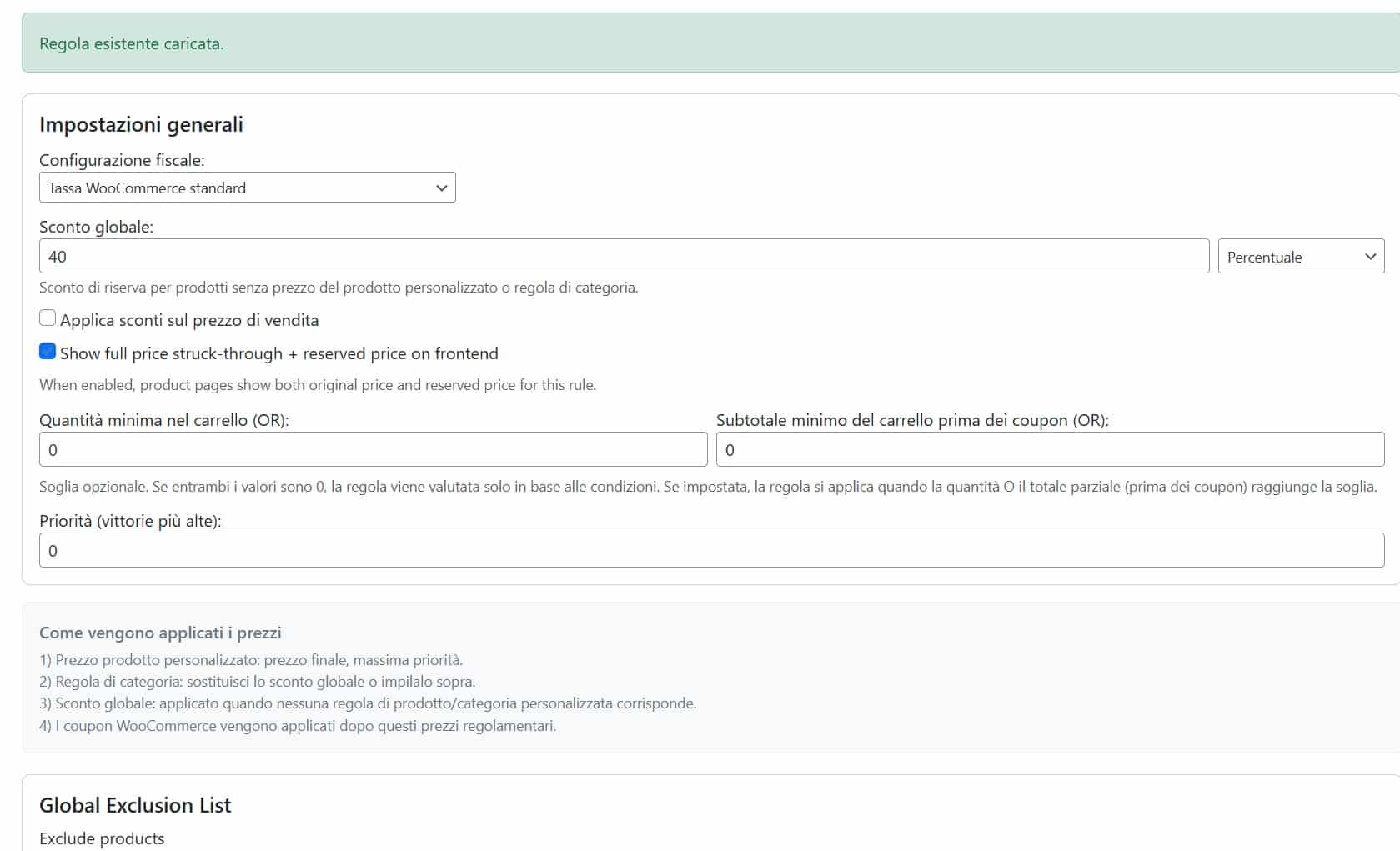
WooCommerce Customer Specific Pricing Plugin
79,00 €
-
Euro (€) - EUR
-
United States dollar ($) - USD
Build advanced B2B pricing rules in WooCommerce without custom code.
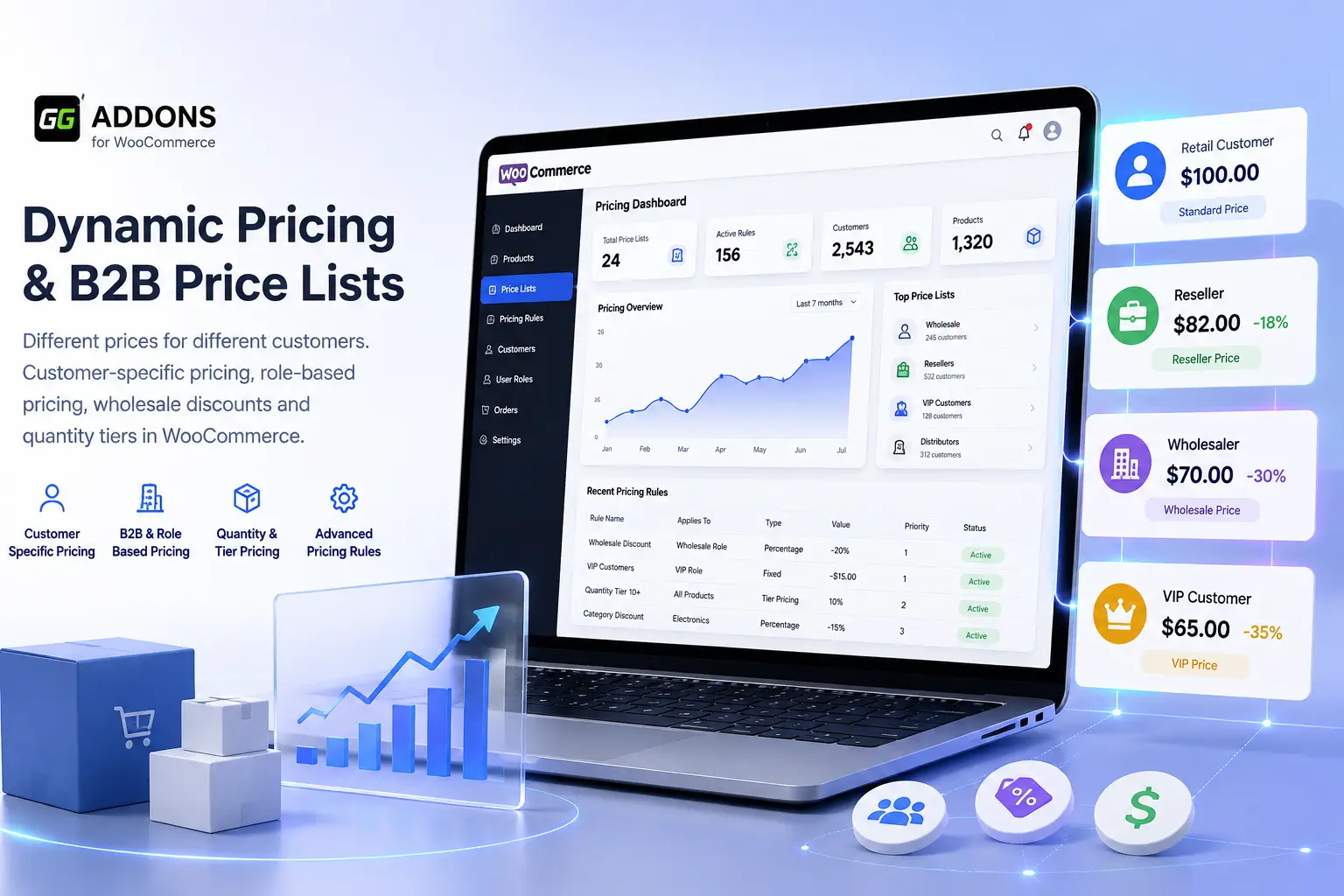
Create customer-specific prices, role-based price lists, wholesale pricing and quantity discounts for WooCommerce.
Ideal for wholesalers, distributors, resellers, sales agents and mixed B2B/B2C stores that need different prices for different customers.
Different Prices for Different WooCommerce Customers
Create customer-specific pricing, B2B price lists, role-based pricing, wholesale discounts and quantity tiers without duplicating products or relying on manual coupons.
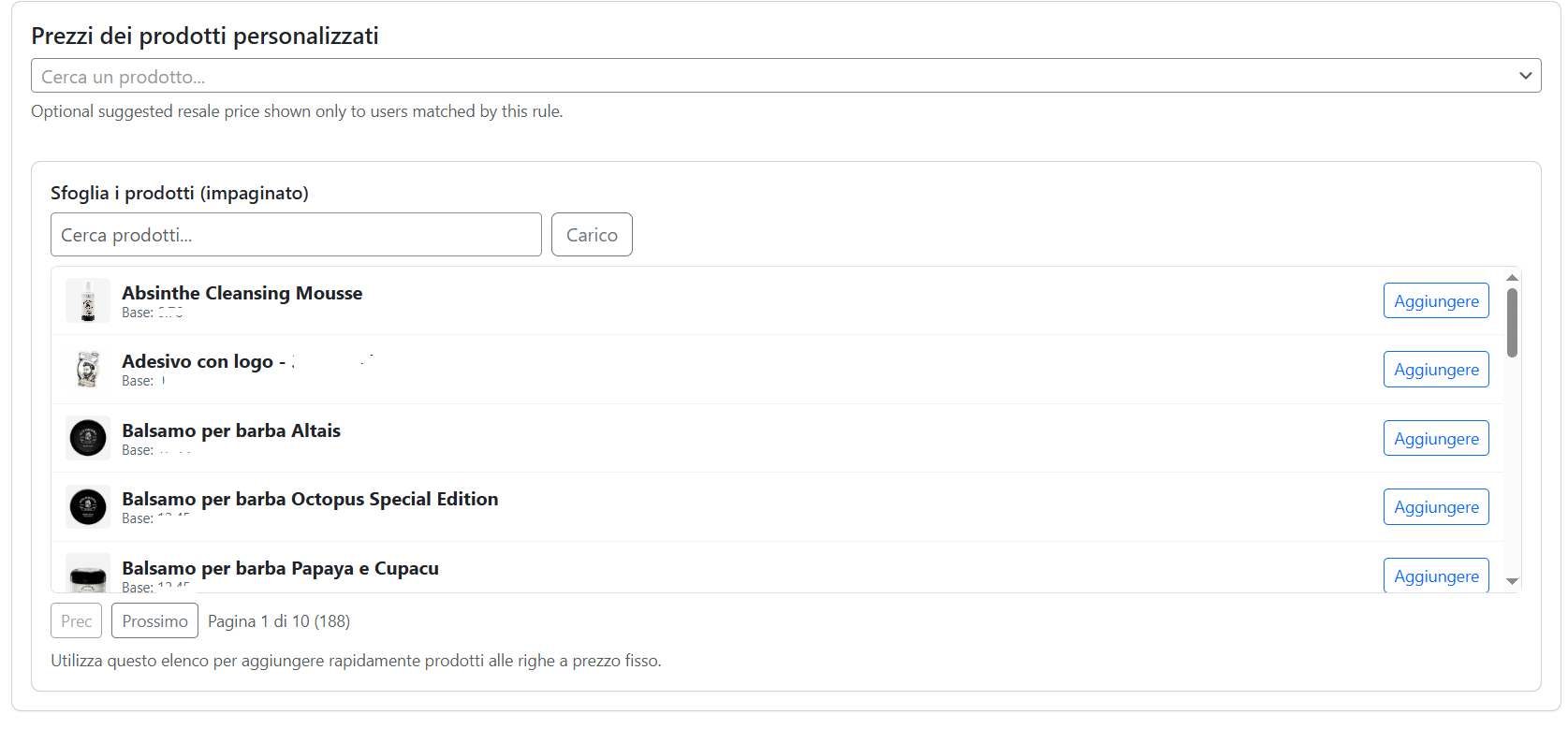
Give selected customers their own reserved product prices.
Create pricing for wholesalers, resellers, agents and distributors.
Reward larger orders with dedicated volume pricing.
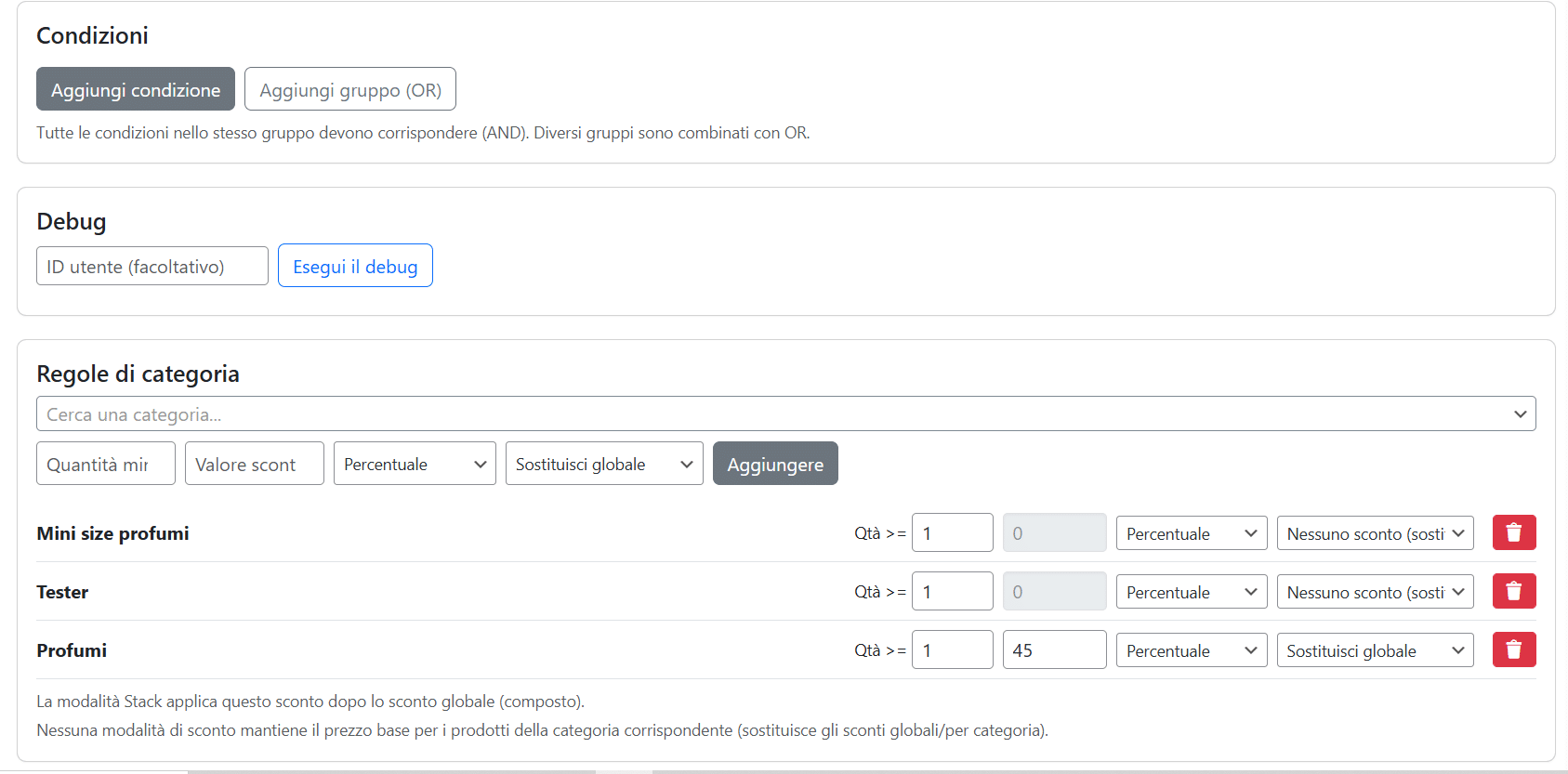
Combine customer, role, category and global pricing rules.
Built for professional WooCommerce B2B, wholesale and hybrid B2C/B2B stores.
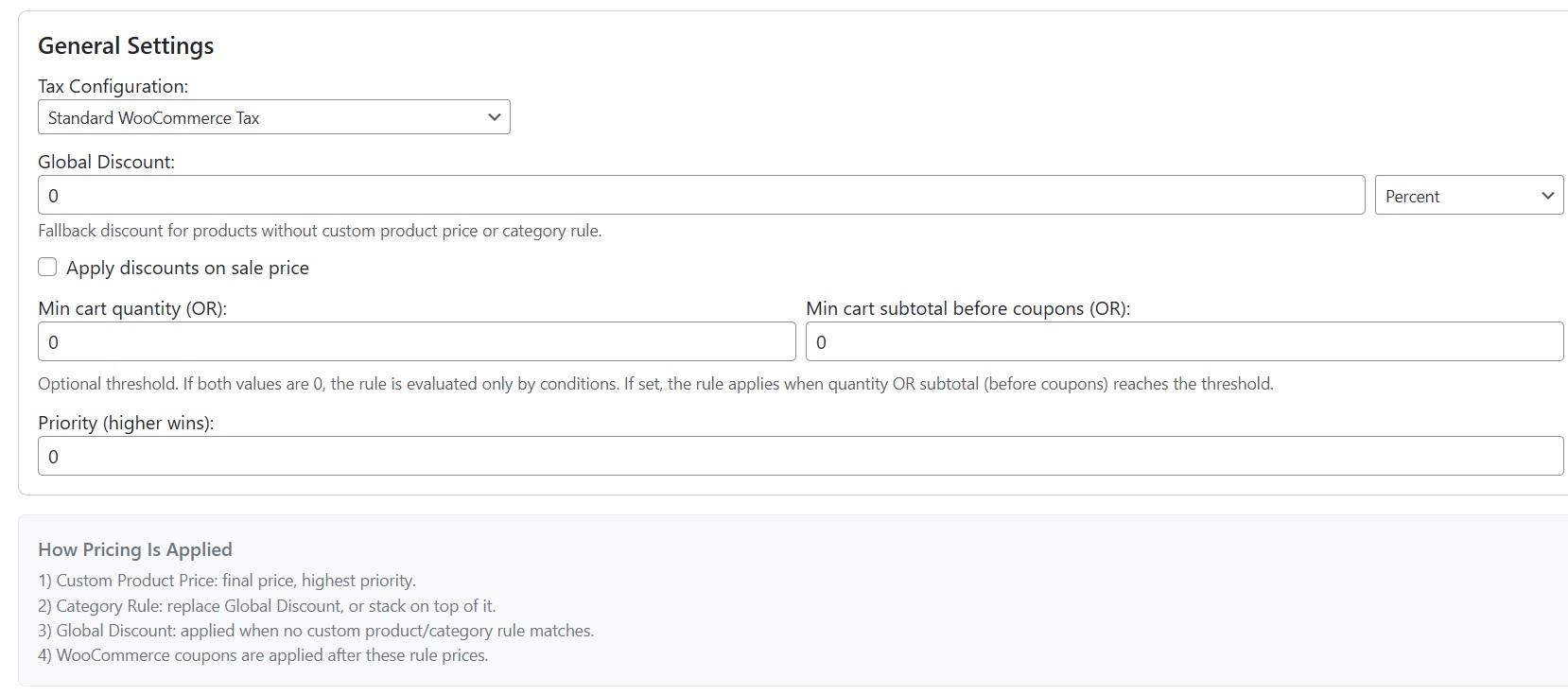
WooCommerce Customer Specific Pricing Made Simple
Sell the same WooCommerce product at different prices depending on who is buying. Public customers can see the standard retail price while wholesalers, resellers, distributors or selected business customers see their own reserved price.
Customer-Specific Prices
Assign dedicated product prices to individual WooCommerce users. Perfect for private commercial agreements and key accounts.
B2B Price Lists
Create separate price lists for wholesalers, resellers, distributors, agents, VIP customers and any custom WooCommerce role.
Quantity Pricing
Set minimum quantities and tier pricing so business customers automatically receive better prices when purchasing larger quantities.
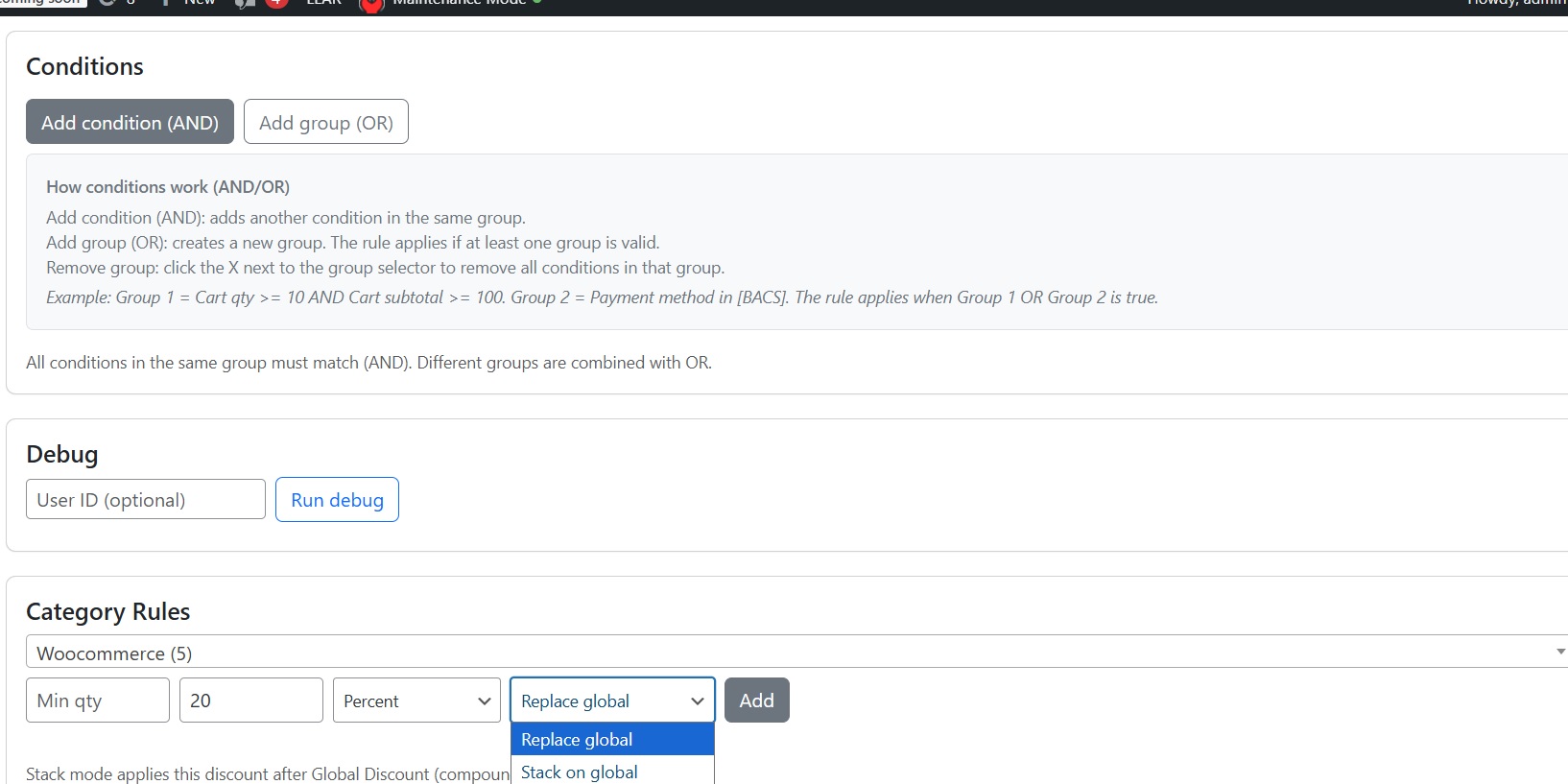
One Pricing Engine. Multiple Customer Groups.
Create dedicated WooCommerce price lists for individual users, user roles, guest customers and default customers.
- ✓ Customer-specific product prices
- ✓ Role-based price lists
- ✓ Wholesale and reseller pricing
- ✓ Global percentage or fixed discounts
- ✓ Category-specific pricing rules
- ✓ Minimum quantity and tier pricing
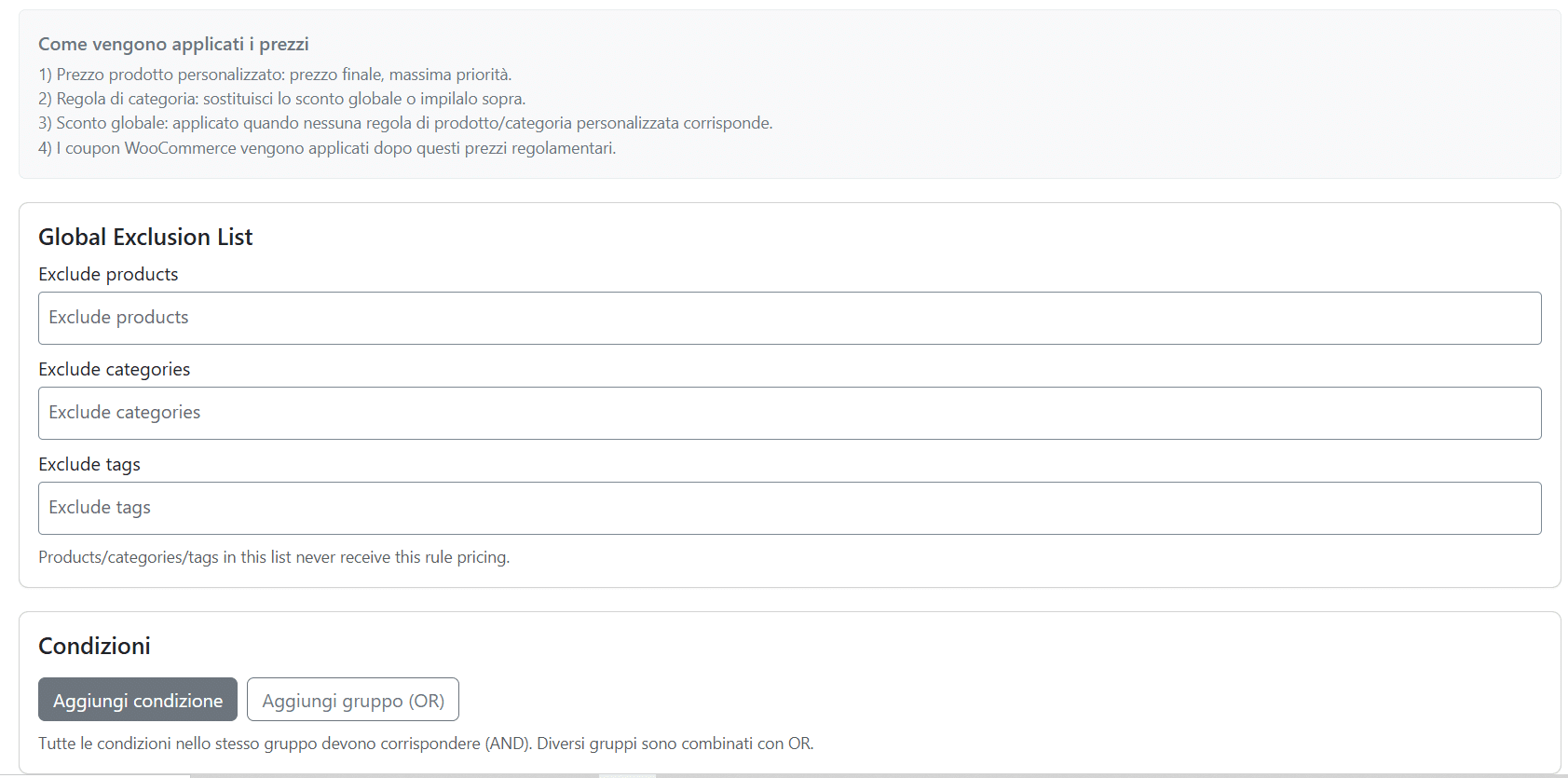
- ✓ Product, category and tag exclusions
Stop Duplicating Products for B2B Customers
Use one WooCommerce catalog and automatically show the correct price according to the customer, role, price list and quantity.
Built for Real WooCommerce B2B Pricing Scenarios
Flexible pricing for businesses selling to wholesalers, distributors, resellers and professional customers.
Wholesalers
Reserved price lists and quantity-based pricing for different wholesale customer groups.
Distributors
Manage negotiated prices and special agreements with selected business customers.
Resellers
Reserved buying prices together with recommended resale prices and margin visibility.
Manufacturers
Run B2C and B2B sales from the same WooCommerce product catalog.
Sales Agents
Create admin orders while automatically applying customer-specific pricing.
Hybrid B2B/B2C Stores
Keep public retail prices while logged-in business buyers receive dedicated conditions.
Clear and Predictable Pricing Priority
The plugin follows a defined pricing hierarchy so complex B2B rules remain manageable and predictable.
An individual customer price has the highest priority.
Used when there is no individual customer price.
Can replace, stack with or override broader discounts.
Used as the default pricing layer.
Coupons can still be applied according to your store configuration.
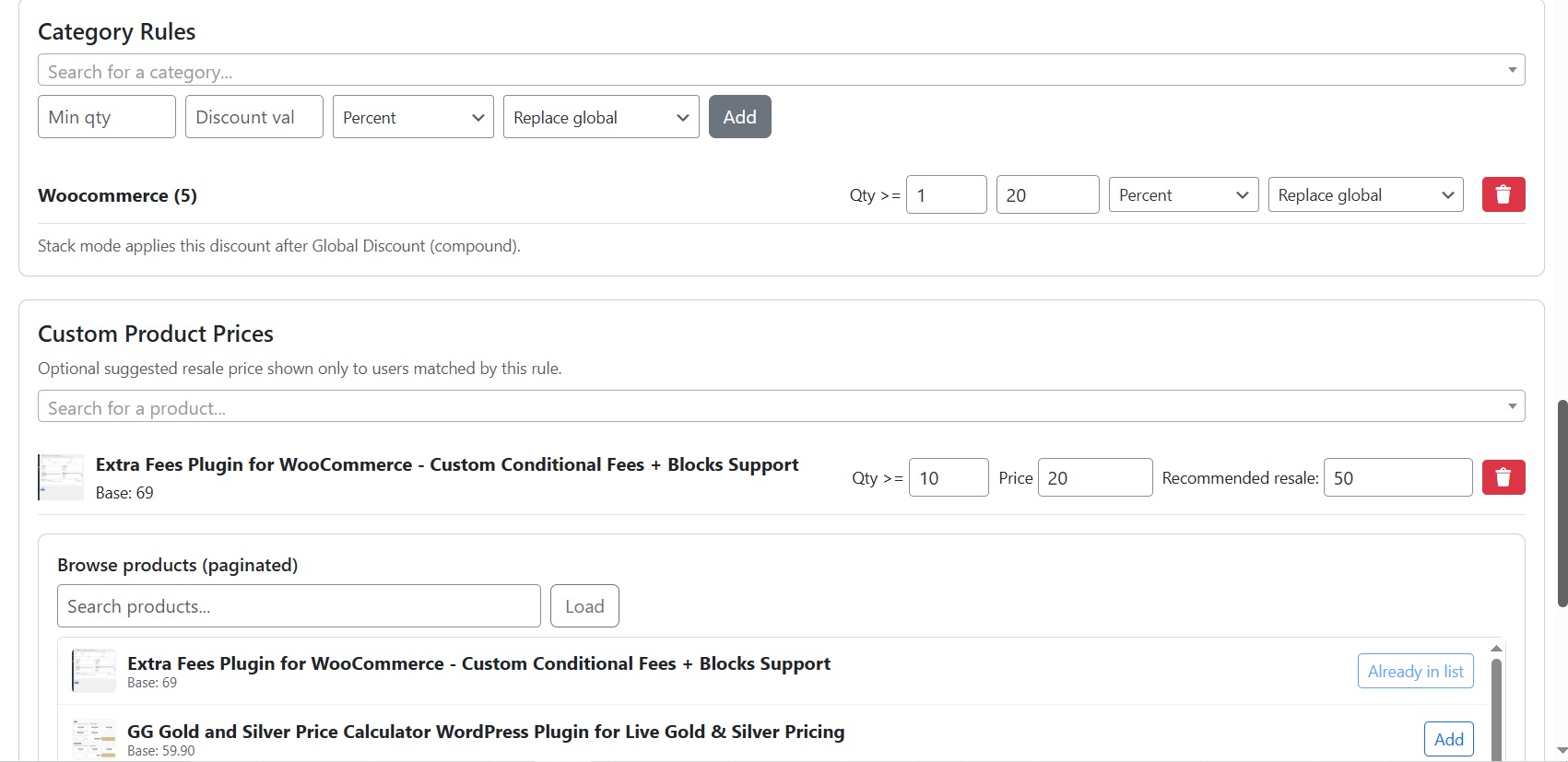
Problems This WooCommerce B2B Pricing Plugin Solves
Everything You Need for WooCommerce B2B Pricing
Manage customer-specific prices, role pricing, wholesale rules and advanced price lists from one plugin.
Different prices for individual WooCommerce customers.
Pricing for wholesalers, resellers, distributors and agents.
Multiple pricing structures for different business customers.
Global and category-based pricing logic.
Volume pricing and minimum quantity rules.
Pricing based on cart, coupons, dates, shipping and payment methods.
Works on product pages, cart, checkout and admin orders.
One catalog for retail and professional customers.
Frequently Asked Questions
Give Every Customer the Right Price
Customer-specific prices, B2B price lists, wholesale pricing, role-based pricing and quantity discounts in one WooCommerce plugin.
Choose your license above and start building your B2B pricing structure.
You may also like
GG WooCommerce Advanced Shipping Plugin
Create advanced WooCommerce shipping rules based on country, weight, cart total, products, user roles and conditional logic. Advanced…
WooCommerce Extra Fees Plugin for Cart & Checkout Blocks
Add advanced conditional extra fees to WooCommerce based on payment method, cart total and checkout conditions. Advanced Fees…
GG Smart Offers – WooCommerce Upsell & Cross-Sell Plugin with Coupons, Gifts & Loyalty
Increase WooCommerce Revenue with Smart Offers, Coupons, Gifts and Loyalty GG Smart Offers is an all-in-one WooCommerce marketing…